


Sriggle Authenticator: Two-Factor Account Security
The Sriggle Authenticator app adds a second sign-in step using time-based one-time passwords (TOTP). Enable it once to protect your login across Signature, SigniA, and SigniP.


 Booking & Reservation Systems
 Travel Planning & Itinerary Management
 Travel Business & Agency Management

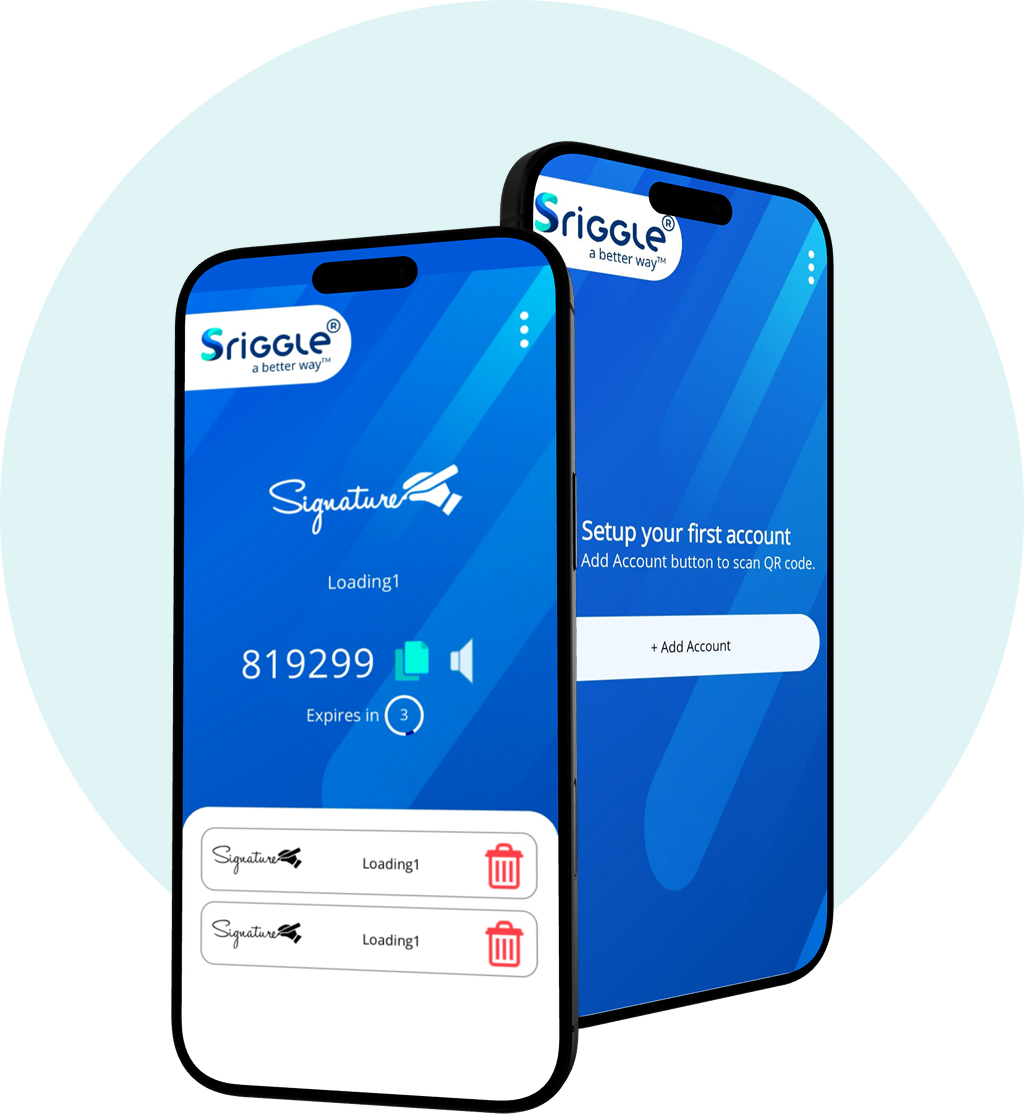
The Sriggle Authenticator app adds a second sign-in step using time-based one-time passwords (TOTP). Enable it once to protect your login across Signature, SigniA, and SigniP.
How it works

Sign in with your existing Sriggle username and password, same as always.

Open the Sriggle Authenticator app for your current six-digit code, refreshed every 30 seconds.

Enter the code to complete sign-in and reach your Sriggle workspace.
ONE LOGIN FOR EVERY PRODUCT
One Sriggle Authenticator setup secures every product in the Signature family, Signature, SigniA, and SigniP, so your team manages a single login standard instead of separate security settings per app.

SigniP
Partner Network

SigniA
Agent portal

Signature
Backoffice
A time-based check runs on every login attempt, so a leaked or guessed password isn't enough on its own to reach your account or client data.
Codes generate locally on your device via the Sriggle Authenticator app and expire within 30 seconds, so access never depends on a text message or email reaching you.
A recovery code is issued when you enable 2FA, so losing your device doesn't lock you out permanently. Store it somewhere separate from your phone.


Sriggle’s flight booking software is an easy-to-use yet efficient system designed to help out different customers.

 SOC 2
SOC 2
 ISO
ISO
 PCI DSS